


.png)
Before building any digital product, teams often need clarity on two foundational validation steps: the Proof of Concept (PoC) and the Prototype. While the terms are sometimes confused, each plays a unique role in reducing risk and shaping a successful product.
A Proof of Concept (PoC) confirms whether an idea is technically feasible before teams commit to full development.
A Prototype shows how the product should look, feel, and function — a key part of User Experience, UI, and interactive design.
Both reduce risk, save development time, and align teams before production.
When discussing the difference between a proof of concept and a prototype, it’s easy to see why people use the terms interchangeably. However, they serve very different purposes in product development. Both help teams validate ideas early, yet each answers a distinct question.
A proof of concept in software development evaluates whether a core feature, integration, or technology can function as intended. Its purpose is to surface technical risks early, long before teams commit significant time or budget.
It answers questions such as:
A UI prototype focuses on user experience and design. It’s often an interactive model created in tools like Figma or Adobe XD to validate usability, navigation, and layout decisions.
A prototype typically answers:
PoC → “Can we build this?”
Prototype → “Will people enjoy using it?”
A proof of concept development phase generally comes first, exploring feasibility and scope. Once validated, designers move into prototype UI design, focusing on layout, user flow, and interaction.
In practice, the transition isn’t always linear. In many projects, both stages overlap. A PoC helps define constraints for designers, while a prototype helps developers visualize expected functionality and prioritize features. Together, they strengthen alignment between design and engineering — a hallmark of successful user experience interaction design.
Modern user interface prototyping relies heavily on Figma prototypes because of their flexibility, real-time collaboration, and ability to simulate realistic user interactions. Other tools like Sketch, InVision, and Adobe XD remain useful, but Figma’s all-in-one ecosystem has made it the industry standard for prototype UI design. In addition, Figma Make offers tools that allow designers to prototype with AI.
Collaboration between designers and developers during the PoC and prototyping phases is essential. Developers provide input on feasibility and technical constraints, while designers refine UX mockups and UX design mockups to align with real-world limitations. This collaboration ensures that what’s visually designed can be functionally achieved.
While both terms are related, they serve different purposes within the design process.
Together, they ensure that the final design is both intuitive and aesthetically aligned.
Without consistent communication, teams risk UX drift, where the final product diverges from the intended user experience. Early collaboration helps prevent this.
Prototyping remains one of the fastest, lowest-cost ways to validate assumptions about usability and user interface design. Interactive prototypes reveal potential pain points, allowing teams to refine the product before a single line of code is written.
Spending additional time refining an interface prototype during the design stage often saves dozens of development hours later. It’s a foundational part of risk management — and an investment that consistently pays off.
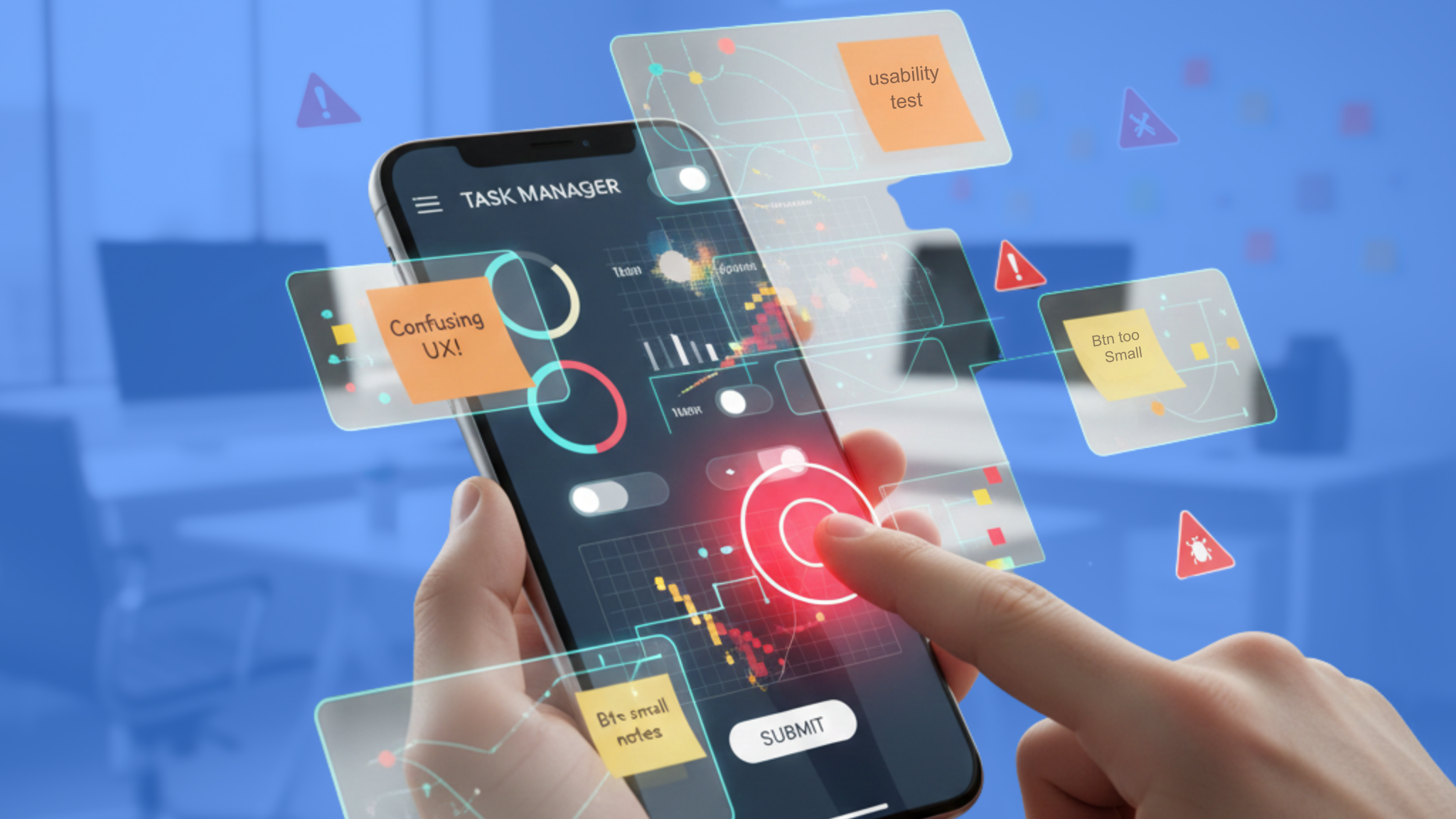
Well-executed prototypes bring clarity not only to teams but also to clients and investors.
Together, proof of concept and prototype development offer a complete validation path:
AI-driven tools are redefining the boundaries between PoC and prototyping.
Platforms like Maze, Useberry, and Synthetic Users allow teams to conduct automated usability tests, analyze UX mockups, and predict user confusion without traditional research cycles.
As platforms like Figma AI and Framer integrate more intelligent automation, prototyping is shifting from static screens to dynamic, code-aware experiences.
This evolution positions designers closer to real product behavior — blurring the line between user interface prototyping and proof of concept development.


.avif)
.avif)
We build powerful digital products that support our client's mission and provide their users with the best experience possible. How we can help you today?

